
Claude Found My Robot Hoover... Here's How
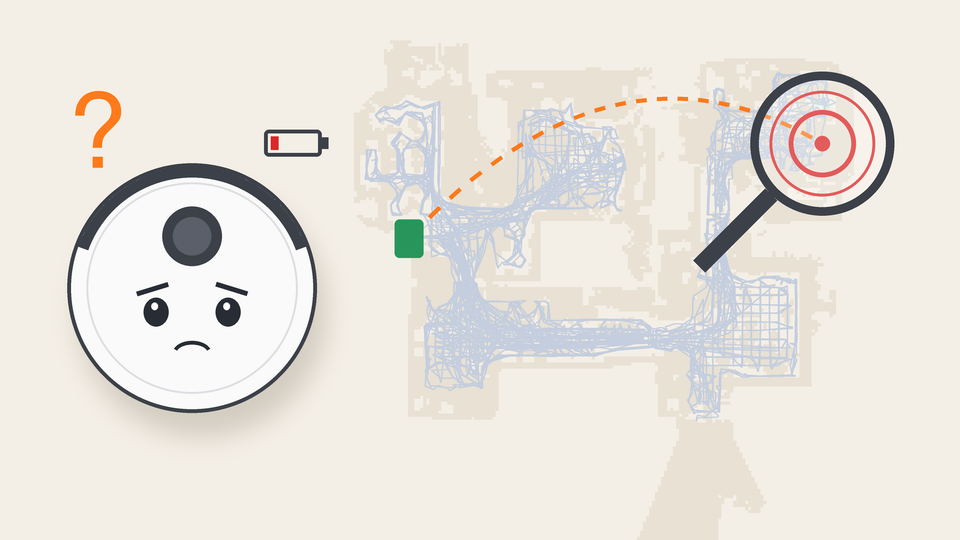
My robot hoover went missing last week. It wandered off on a cleaning job and didn't come back to its dock.
Normally, the Xiaomi Home app shows you where the robot is on a map of your house. This time, its battery had run flat, so its map position had been erased.
So I did what any reasonable person would do: I asked Claude to find it for me.
My first question was whether Claude could download the robot's logs. The answer was "sort of." The robot's own logs only go to Xiaomi. But Xiaomi's cloud keeps a record of every clean, plus a stream of position updates the robot sends while it's working.
Here's roughly how it went:
- Claude downloaded the Xiaomi Cloud Tokens Extractor to allow me to log in.
- I logged in, and Claude pulled the robot's cleaning records and position updates from Xiaomi's servers using the Xiaomi Cloud Map Extractor.
- Claude found that the last clean started at 12:33 on October 1 and ran for 18 minutes. Then it ended "abnormally".
The robot's floor plan is encrypted, so Claude couldn't show me Xiaomi's map.
Instead, it drew its own from thousands of position updates across my last few cleans. The robot had driven over most of the house, so the routes traced out the rooms and found my stranded vacuum cleaner.
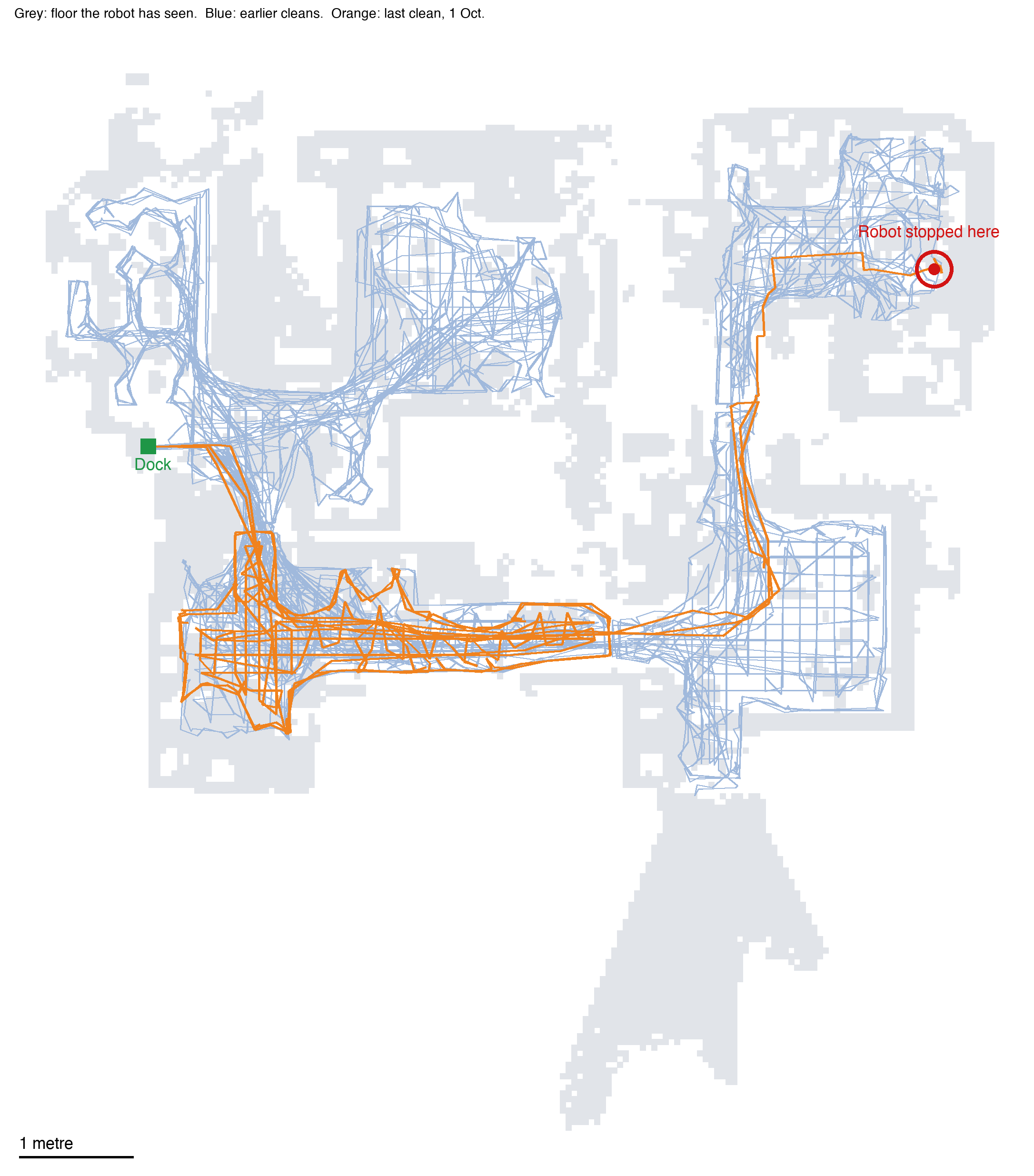
This is exactly what the map looks like in the Xiaomi app, recreated on a larger scale. The orange line is the last clean. The robot was stuck in the red circle - under a chair.
Once the robot was back on its dock, I had a thought: I would probably clean my house more often if I could control my Xiaomi X20+ from my Mac.
So Claude downloaded requests, PyCryptodome, and Pillow and it made me:
- A control page that runs on my Mac: Find, Start, Pause, Stop, and Go back to dock. This mostly came from Xiaomi's MIoT command list.
- A menu bar app (built in SwiftBar) that gives me access to all the controls in the app, plus how much life is left in the brushes and filter.
It was fascinating seeing my Xiaomi X20+ stopping, starting, and stopping again while Claude tested the area cleaning comments from the Dreame Home Assistant integration and referred to other examples of successful Mac integrations to perfect the controls.
Then we added features to the menu bar:
- Room cleaning
- A live map
- Area cleaning
- Notifications
- Plain English error messages
I can now click and drag in my browser to clean a spot on the floor.
Then I had an off-topic thought: I would really like to be able to print to my Bluetooth printer from my Mac as well.
Claude built an app for the printer (which doesn't ordinarily print using Bluetooth from a Mac), then added it to the same menu.
Opus 5.5 is a huge step forward. You don't need to be a developer to get a custom app now. Granted, open-source projects did a lot of the heavy lifting here, but the good thing is that I found my hoover.


Comments ()